
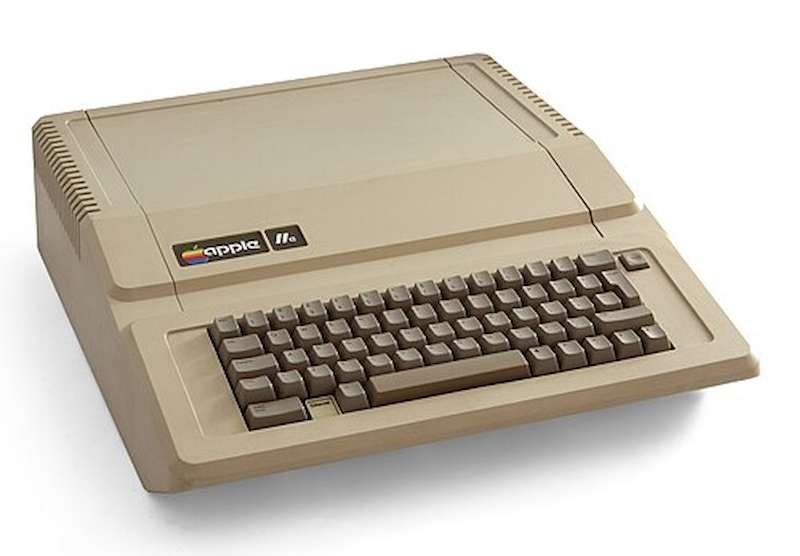
Apple IIe for Kids – Classic Green Screen Learning
In the 1980s and early 90s, many students had their first computer experience on a glowing green screen. That screen? It belonged to the Apple IIe – one of the most widely used school computers of its time.
With its beige case and bold keyboard, the Apple IIe wasn’t flashy, but it was powerful for its purpose. It helped children learn to type, problem-solve, and even explore early programming – all at a time when computers were still new to most homes and schools.
What Was the Apple IIe Like?
The Apple IIe had a sturdy, rectangular design with a full QWERTY keyboard, a built-in speaker, and room for accessories like external disk drives and printers. While the screen was often green monochrome, its graphics were advanced for the time – and many children were amazed that they could type words and watch them appear instantly.
What Made the Apple IIe Great for Kids
- Simple text-based interface that was easy to navigate
- Used 5¼” floppy disks to run educational programs
- Supported color graphics (with the right monitor!) but most schools used green monochrome screens
- Many learning games and applications built just for the classroom
What Kids Used the Apple IIe for:
- Typing practice with programs like Bank Street Writer
- Math, spelling, and reading games (like Number Munchers and Stickybear Math)
- Drawing simple graphics using Apple Logo (a turtle-based programming language)
- Running simulations like Oregon Trail that taught history and decision-making
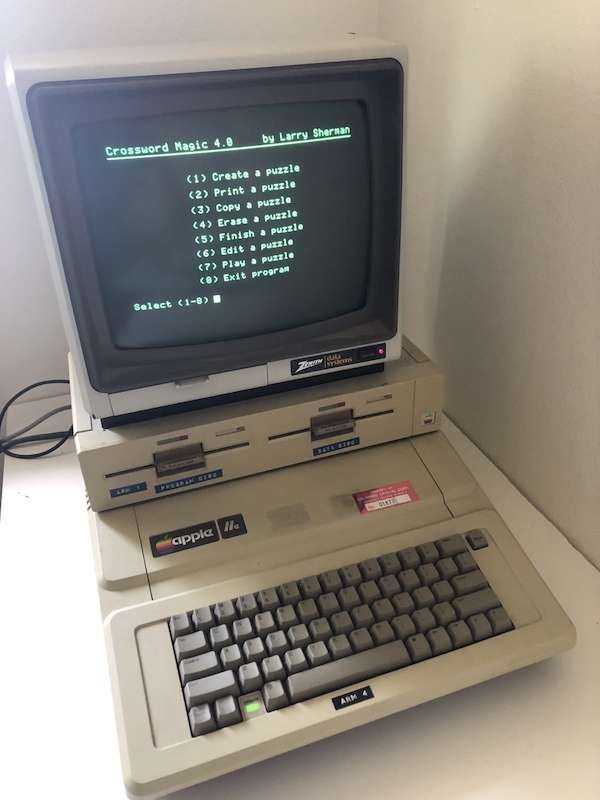
Did You Know?
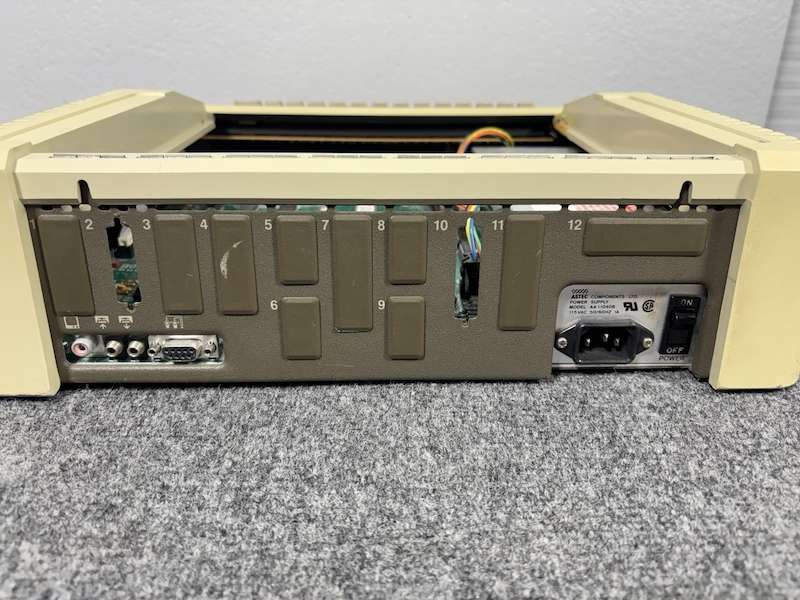
The Apple IIe could be expanded with additional memory, printers, and even modems – though most classrooms just had one or two, shared by the whole class!
Why It Still Matters
The Apple IIe for kids wasn’t about endless options or high-speed graphics. It was about focus. It gave children the chance to sit down, think, type, and learn without distractions.
At Teach.Land, we think there’s something powerful in that: a reminder that tech can support learning without taking over.